Comprendre les performances de votre profil Instagram est crucial pour développer votre compte. Les lecteurs de profil vous aident à analyser votre contenu, vos taux d'engagement et les données démographiques de votre audience.
Qu'est-ce que l'affichage de profil ?
Les outils d'affichage de profil vous permettent de consulter des analyses détaillées sur votre compte Instagram, notamment la croissance du nombre d'abonnés, l'engagement des publications et les mesures de performances du contenu.
Statistiques clés à suivre
- Nombre d'abonnés et taux de croissance
- Portée et impressions des publications
- Taux d'engagement par publication
- Meilleurs horaires de publication
- Données démographiques de l'audience
Comment utiliser efficacement les visionneuses de profil
Surveillez régulièrement les statistiques de votre profil pour comprendre quel contenu trouve un écho auprès de votre audience. Utilisez ces données pour affiner votre stratégie de contenu et votre calendrier de publication.
Questions fréquemment posées
Des questions ? Nous avons les réponses.
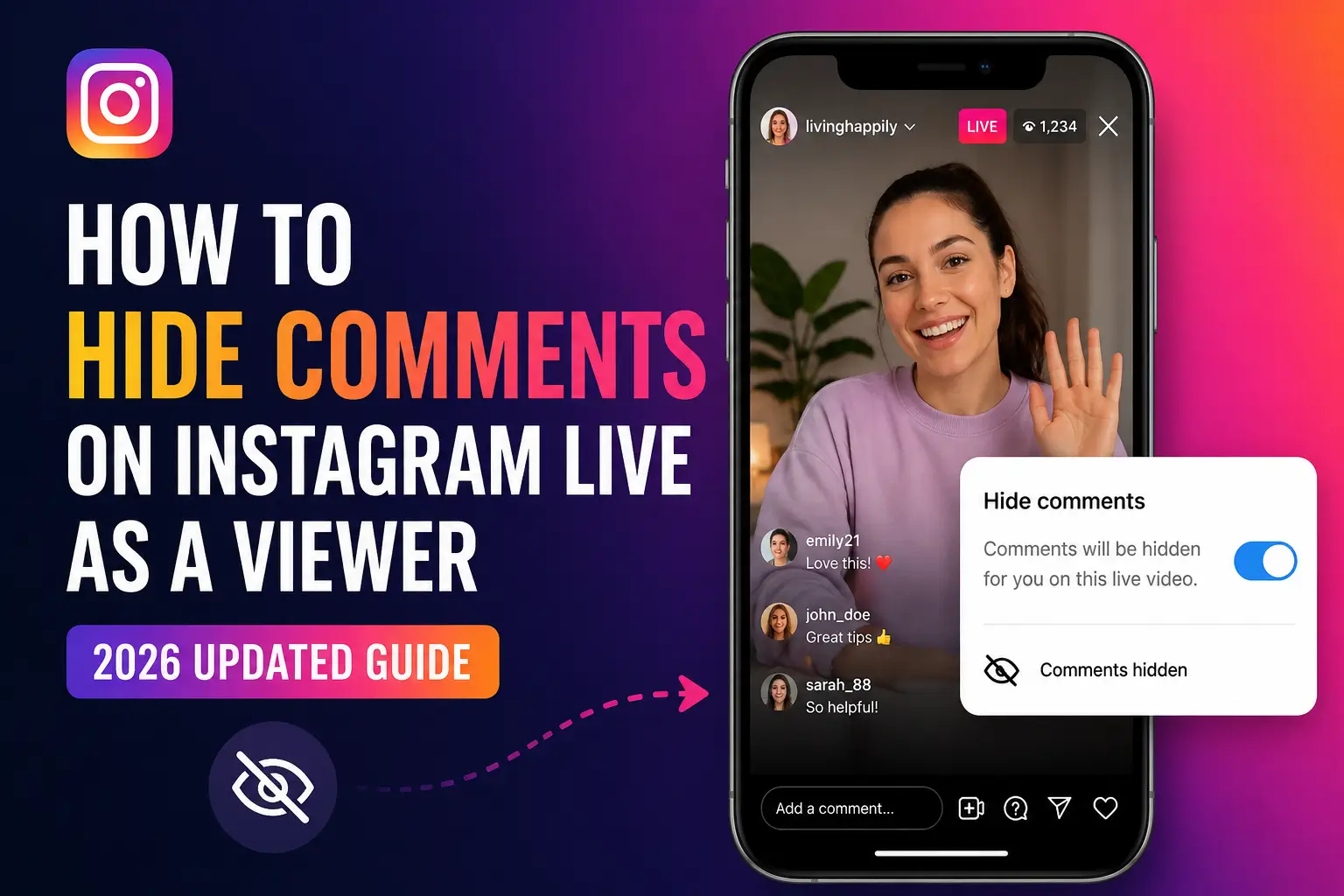
Les téléspectateurs peuvent-ils masquer les commentaires sur Instagram Live ?
Oui, mais uniquement via des solutions de contournement – pas une bascule native. La méthode la plus fiable en 2026 est le @. astuce : appuyez sur la zone de commentaire, tapez « @ » et fermez le clavier. Cela efface la superposition des commentaires de votre écran sans affecter les autres spectateurs.
Pourquoi ne puis-je plus masquer les commentaires sur Instagram Live ?
Instagram a mis à jour son interface utilisateur en direct fin 2024, supprimant ou interrompant l'ancienne méthode d'appui prolongé qui fonctionnait pour les téléspectateurs. Depuis mai 2026, il n’existe pas de bascule officielle côté spectateur. Utilisez le @. solution de contournement à la place, ou regardez sur le bureau où les commentaires apparaissent dans un panneau latéral.
Comment regarder Instagram Live en mode plein écran ?
Sur iPhone, faites pivoter votre téléphone en orientation paysage tout en regardant un direct pour une vue plus large. Sur Android, certains appareils prennent en charge le plein écran en appuyant sur l'icône de développement. Sur le bureau, le panneau de commentaires se trouve séparément, vous offrant une zone vidéo naturelle de type plein écran.
Puis-je supprimer des commentaires lorsque je regarde Instagram Live sur iPhone ?
En tant que spectateur, vous ne pouvez pas supprimer les commentaires des autres. Vous pouvez les effacer de votre propre vue en utilisant le @. astuce. Seul l'hôte peut supprimer définitivement un commentaire (en appuyant longuement dessus et en sélectionnant « Supprimer de la vidéo en direct »).
Comment masquer le chat pendant Instagram Live sur Android ?
Taper "@." ou « @/ » dans la zone de commentaire et fermez le clavier. Sur Android, la variante @/ est parfois plus fiable. Vous pouvez également essayer de faire glisser votre doigt vers la droite sur la section des commentaires pour la minimiser.
Existe-t-il un moyen de désactiver définitivement les commentaires en direct en tant que spectateur ?
Il n'existe aucun paramètre permanent permettant aux téléspectateurs de désactiver les commentaires sur Instagram Live. Le @. L'astuce ne fonctionne que pour la session en cours et se réinitialise si vous quittez et rejoignez le Live.
Les hôtes peuvent-ils désactiver les commentaires pour tout le monde sur Instagram Live ?
Oui. Les hôtes peuvent appuyer sur les trois points (⋯) à côté de la zone de commentaire et sélectionner « Désactiver les commentaires ». Cela désactive les commentaires pour tous les téléspectateurs. Ils peuvent également configurer des filtres de mots clés et désigner un modérateur.
Comment faire une capture d'écran d'Instagram Live sans commentaires ?
Appliquez d’abord le @. astuce pour effacer les commentaires de votre écran, puis prenez une capture d'écran à l'aide du raccourci intégré de votre appareil (Côté + Volume + sur iPhone ; Alimentation + Volume - sur Android). Vous pouvez également regarder sur le bureau où la zone vidéo est naturellement exempte de superpositions de commentaires.
Instagram permet-il de cacher les réactions et les cœurs lors des vidéos en direct ?
Depuis mai 2026, les téléspectateurs n'ont aucun moyen de masquer les animations de réaction (cœurs, emojis) pendant Instagram Live. Il s'agit d'une fonctionnalité fréquemment demandée qu'Instagram n'a pas encore publiée. Seules les superpositions de texte de commentaire peuvent être supprimées à l'aide du @. méthode.
Pourquoi les commentaires continuent-ils à apparaître après avoir utilisé le @. astuce?
Cela peut se produire si votre application Instagram est obsolète, si le clavier n'a pas été complètement fermé ou si Instagram a lancé une mise à jour qui a affecté la solution de contournement. Mettez à jour l'application, essayez @…… (plus de points) et assurez-vous d'appuyer fermement sur la zone vidéo, pas seulement au-dessus du clavier.
Puis-je regarder Instagram Live de manière anonyme sans commentaires ?
Vous pouvez réduire la superposition des commentaires avec les méthodes de ce guide. Pour une visualisation anonyme (sans que l'hôte ne voie que vous avez rejoint), utilisez un outil tiers de visualisation anonyme d'Instagram.
Comment masquer les commentaires sur Instagram Live sur ordinateur ?
Regardez sur Instagram.com via un navigateur. Les commentaires apparaissent dans un panneau de droite sur le bureau, sans superposer la vidéo. Cela vous offre une expérience visuelle naturellement propre sans aucune astuce requise.