Понимание эффективности вашего профиля Instagram имеет решающее значение для развития вашего аккаунта. Просмотрщики профилей помогут вам проанализировать ваш контент, уровень вовлеченности и демографические данные аудитории.
Что такое просмотр профиля?
Инструменты просмотра профиля позволяют просматривать подробную аналитику о вашем аккаунте Instagram, включая рост числа подписчиков, вовлеченность публикаций и показатели эффективности контента.
Ключевые показатели для отслеживания
- Количество подписчиков и темпы роста
- Охват и показы публикаций
- Коэффициент вовлеченности на публикацию
- Лучшее время для публикации
- Демография аудитории
Как эффективно использовать средства просмотра профилей
Регулярно отслеживайте статистику своего профиля, чтобы понять, какой контент находит отклик у вашей аудитории. Используйте эти данные, чтобы уточнить свою контент-стратегию и график публикаций.
Часто задаваемые вопросы
Есть вопросы? У нас есть ответы.
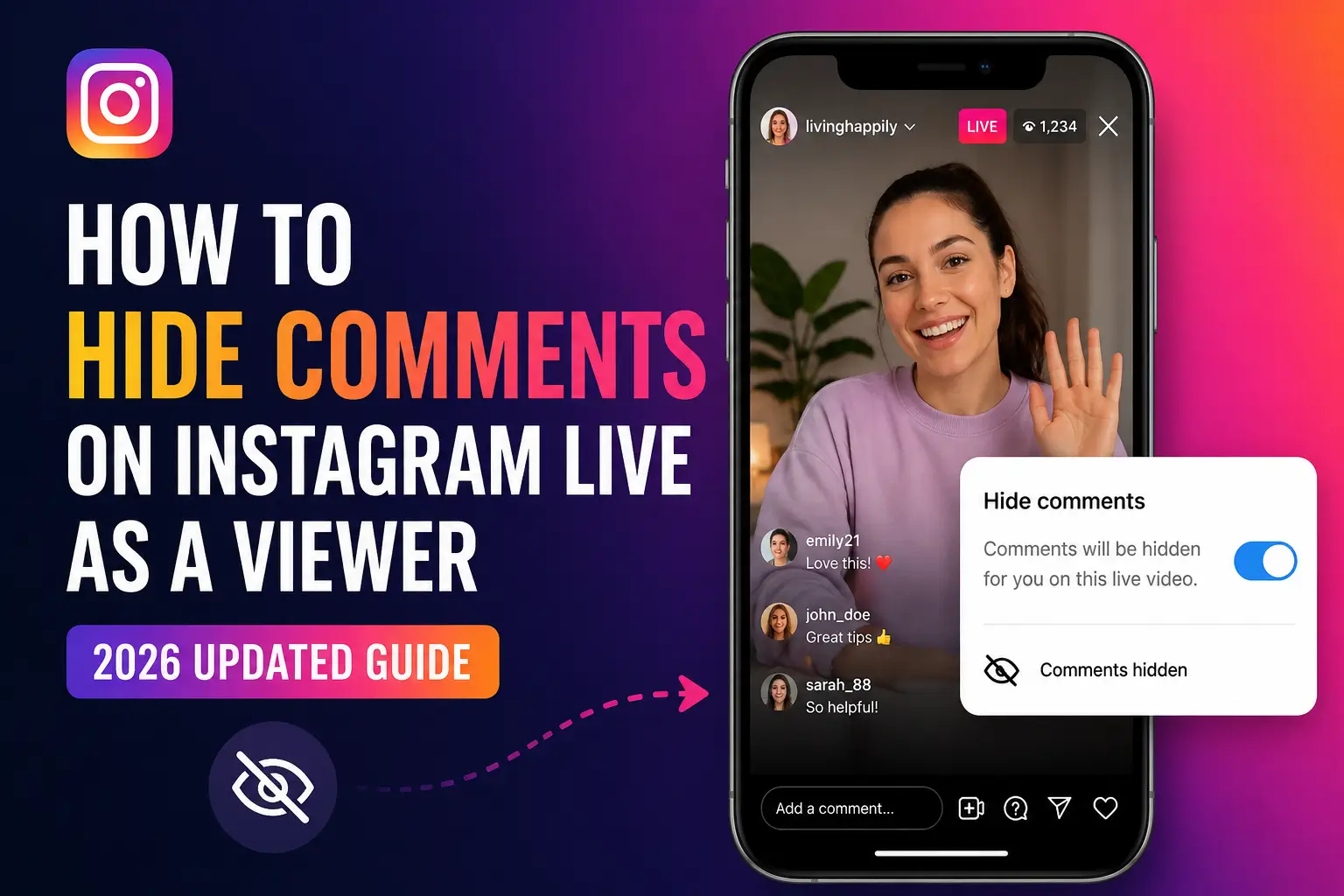
Могут ли зрители скрыть комментарии в Instagram Live?
Да, но только через обходные пути, а не через встроенный переключатель. Самый надежный метод в 2026 году — @. Хитрость: коснитесь поля комментария, введите «@.» и отпустите клавиатуру. При этом наложение комментариев будет удалено с вашего экрана, не затрагивая других зрителей.
Почему я больше не могу скрывать комментарии в Instagram Live?
Instagram обновил свой Live UI в конце 2024 года, удалив или сломав старый метод касания и удержания, который работал для зрителей. По состоянию на май 2026 года официального переключателя на стороне зрителя не существует. Используйте @. вместо этого или посмотрите на рабочем столе, где комментарии появляются на боковой панели.
Как смотреть Instagram Live в полноэкранном режиме?
На iPhone поверните телефон в альбомную ориентацию во время просмотра прямой трансляции, чтобы увеличить обзор. На Android некоторые устройства поддерживают полноэкранный режим, нажав значок раскрытия. На рабочем столе панель комментариев расположена отдельно, предоставляя вам естественную полноэкранную область видео.
Могу ли я удалить комментарии во время просмотра Instagram Live на iPhone?
Будучи зрителем, вы не можете удалять комментарии других. Вы можете удалить их со своего экрана, используя @. обманывать. Только организатор может навсегда удалить комментарий (длительно нажав на него и выбрав «Удалить из живого видео»).
Как скрыть чат во время Instagram Live на Android?
Тип "@." или «@/» в поле для комментариев и отмените клавиатуру. На Android вариант @/ иногда более надежен. Вы также можете попробовать провести вправо по разделу комментариев, чтобы свернуть его.
Есть ли способ навсегда отключить комментарии в реальном времени в качестве зрителя?
Не существует постоянной настройки, позволяющей зрителям отключать комментарии в Instagram Live. @. трюк работает только для текущего сеанса и сбрасывается, если вы выходите из Live и снова присоединяетесь к нему.
Могут ли организаторы отключить комментарии для всех в Instagram Live?
Да. Организаторы могут нажать на три точки (⋯) рядом с полем для комментариев и выбрать «Отключить комментирование». Это отключает комментарии для всех зрителей. Они также могут настроить фильтры по ключевым словам и назначить модератора.
Как сделать снимок экрана Instagram Live без комментариев?
Сначала примените @. трюк, чтобы удалить комментарии с экрана, а затем сделать снимок экрана с помощью встроенного ярлыка вашего устройства (бок + увеличение громкости на iPhone; питание + уменьшение громкости на Android). Альтернативно, смотрите на рабочем столе, где область видео, естественно, не содержит наложений комментариев.
Позволяет ли Инстаграм скрывать реакции и сердечки во время прямых трансляций?
По состоянию на май 2026 года зрители не смогут скрыть анимацию реакций (сердечки, смайлики) во время Instagram Live. Это часто запрашиваемая функция, которую Instagram еще не выпустил. С помощью @ можно подавить только наложение текста комментариев. метод.
Почему комментарии продолжают появляться после того, как я использую @. обманывать?
Это может произойти, если ваше приложение Instagram устарело, клавиатура не отключилась полностью или Instagram выпустил обновление, которое повлияло на обходной путь. Обновите приложение, попробуйте @…… (больше точек) и обязательно нажмите на область видео, а не только над клавиатурой.
Могу ли я смотреть Instagram Live анонимно, без комментариев?
Вы можете уменьшить наложение комментариев с помощью методов, описанных в этом руководстве. Для анонимного просмотра (без того, чтобы организатор увидел, что вы присоединились), используйте сторонний анонимный инструмент просмотра Instagram.
Как скрыть комментарии в Instagram Live на рабочем столе?
Смотрите на Instagram.com через браузер. Комментарии отображаются на правой панели рабочего стола, не накладываясь на видео. Это дает вам естественное качество просмотра без каких-либо ухищрений.